VERSION 1 IS HERE ↗

FOR GORILLA TAG ON PC

Kluetil.

Your tools. In the game.

Your rooms, camera, voice commands, and player info. One tablet you can use without leaving the game.

Version 1 / Windows 10 / 11 / Discord access

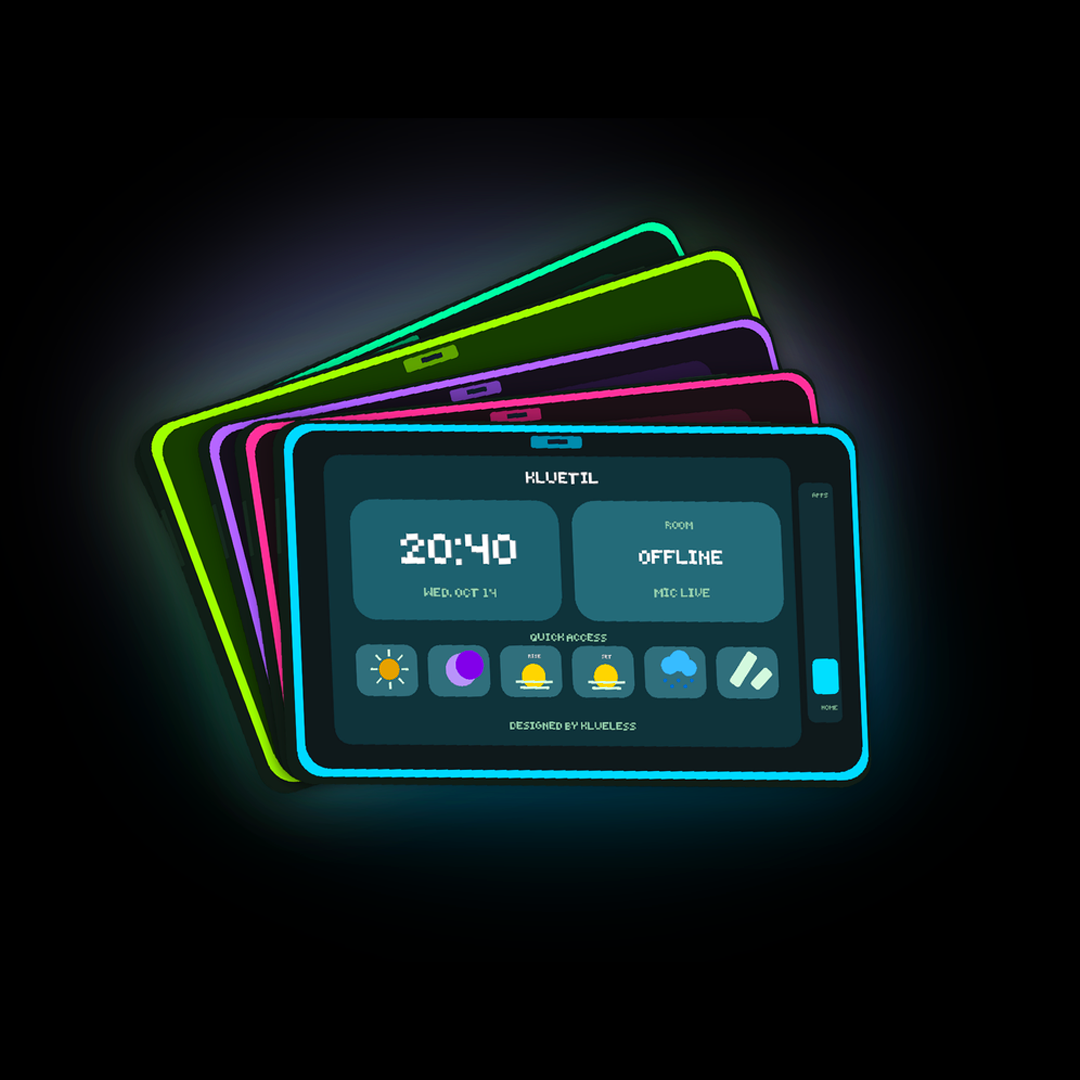
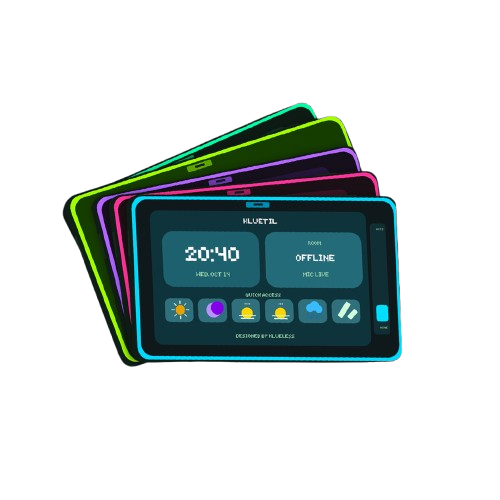
Kluetil utility tablets in cyan, rose, violet, lime, and mintYOUR UTILITY TABLET / DESIGNED BY KLUELESS
RoomsCameraKlue AIPlayersWorldAudioAlerts

SEE IT IN ACTION

A closer look.

The tablet, the launcher, and the tools.
Watch the Kluetil showcase.

Front of the Kluetil tablets

MADE FOR YOUR SESSION

Keep your headset on.

Open apps from the tablet, join a favorite room, take a photo, or change your mic settings. Slide up for apps. Slide down for home.

01

A proper home screen

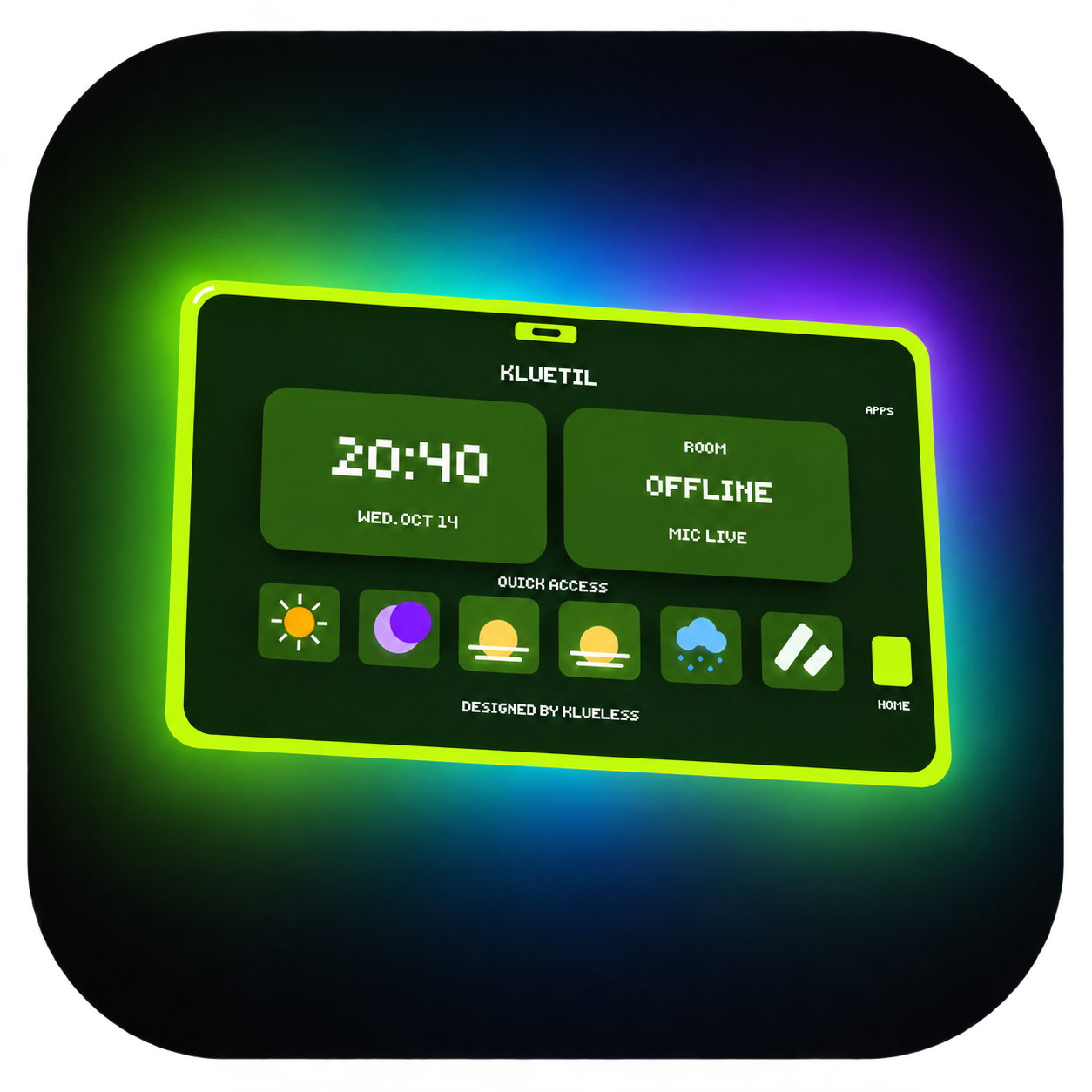
Room info, the time, and your quick controls.

02

Five ways to make it yours

Lime, Mint, Glacier, Violet, and Rose.

03

Floating or in your hand

Use the tablet the way that feels right.

WHAT’S INSIDE

All the useful stuff.

Every app, and what it does.
No digging through menus on your desktop.

Rooms

Get into your next room.

  • Join by room code with a pop-out keyboard.
  • Save and edit favorite rooms.
  • Hop lobbies or leave the current room.
Camera

Get the shot.

  • Live front and rear camera preview.
  • A visible 3, 2, 1 countdown before photos.
  • Save photos at 720p, 1080p, or 1440p.
  • Open your photo folder from the tablet.

Klue AI

Say what you need.

  • Built-in voice commands for tablet utilities.
  • Open apps, change weather, control your mic, and take photos.
  • Listening controls, command examples, and voice setup.

Players

The details at a glance.

  • Large nametags with name, Meta or Steam platform, and FPS.
  • Green at 60 FPS and above, cyan above 144, red below 60.
  • Player list, color values, and hex colors.

World

Set the mood.

  • Sunrise, morning, sunset, evening, night, and midnight.
  • Toggle rain locally.
  • Restore the original world settings.

Audio

Keep your mic under control.

  • Mute or unmute your microphone.
  • Open mic, push to talk, and push to mute.
  • Quick microphone controls on the home screen.

Alerts

Know who is here.

  • Optional player join notifications.
  • Optional player leave notifications.
  • Preview both alert styles from the menu.

Appearance

Make it yours.

  • Five themes: Lime, Mint, Glacier, Violet, and Rose.
  • Floating or hand-mounted tablet.
  • Large layout, haptic feedback, and a vertical apps slider.

Mod checker

Check shared mod tags.

  • Read known public mod properties shared by other players.
  • Configured allowed tags show green; disallowed tags show red.
  • Browse a player’s published matches. This does not scan their computer.

Session & quick access

The everyday stuff.

  • Room name, session time, ping, and local time.
  • Quick time, weather, mic, and nametag controls.
  • Slide up for apps and down for home.

Windows launcher

Ready before you get in.

  • Discord sign-in that remembers your account.
  • Automatic loading, manual loading, and Launch Gorilla Tag.
  • Background access checks and optional Windows startup.
  • Built-in update downloads and Discord Rich Presence.

SUPPORT THE SERVER

Boost the server.
Get access.

Boost the official Kluetil Discord server to get access. Once your access role is ready, sign in on the download page with the same Discord account.

Join the server

Already boosting but cannot download? Contact staff in Discord so we can check your access.

01Join the Kluetil Discord
02Boost the server
03Sign in and download
Open the download page ↗

FOR THE COMMUNITY

Make a video.
Earn access.

Post a public Kluetil video that gets real views, likes, and brings attention to the project. Share it in the Discord server for staff review.

Join the Kluetil Discord

Rewards need staff approval. Your Discord access role determines whether you can download and use Kluetil.

50–199 likes1 week
200–499 likes1 month
500–999 likes3 months
1,000–4,999 likes6 months
5,000–9,999 likes1 year
10,000+ likesLifetime

A FEW QUICK ANSWERS

Before you get in.

Still need a hand?
Ask in the Discord server ↗

How do I download Kluetil?

Open the download page and sign in with Discord. Your account needs Granted Kluetil or Kluetil Access in the official server. Then download and run the latest Windows setup.

What do I need to run it?

A Windows 10 or 11 PC, the PC version of Gorilla Tag, and a working BepInEx installation. The launcher lets you choose your game folder and load Kluetil before starting the game.

Do I need to sign in every time?

The launcher saves your Discord sign-in on your Windows account and checks access in the background. You may need to sign in again if the saved session expires or your access changes.

How do updates work?

The launcher shows an update notice and installs the update into the existing app. The website always serves the newest published setup, even while the public version stays Version 1.

What if I have an access role but cannot download?

Make sure you signed in with the right Discord account and are still in the server. The Blacklisted role overrides access. Ask staff in the Discord server if you need your access checked.

Can the mod checker see everything installed?

No. It looks for known public properties that other players’ mods publish. It cannot scan another player’s files or detect every mod.

ALL SET?

See you in game.

Connect Discord. Download Kluetil. Get started.